



Three modes · Local two-player riding
Riders Downhill Racing – Bike Modes, Controls and Tips
Riders Downhill Racing is RHM Interactive’s vehicle racing game with Racing, Career and Free Style modes. Ride a course alone or share the keyboard with another player. Racing asks you to finish first, Career adds a time target, and Free Style gives you room to explore and collect diamonds for more items.
Quick facts
- Riders Downhill Racing by RHM Interactive
- Three modes · Local two-player riding
- Riders Downhill Racing supports local keyboard play
How to play
Select the mode first. Racing, timed Career and exploratory Free Style make different demands on your route.
- 1
Identify the current objective
Choose Racing for finishing order, Career for a time-limited course or Free Style for exploration. Read the selected objective before deciding whether to collect or race.
- 2
Learn the route at a controlled pace
Approach the first bend and ramp steadily. Look at the landing area as well as the launch; a large jump is unhelpful if it leaves you off course.
- 3
Match the vehicle to the available controls
Check the selected vehicle’s actions. Published controls exclude bike NOS, and some extra actions belong only to Free Style. Use the active control panel.
- 4
Collect and return to the garage
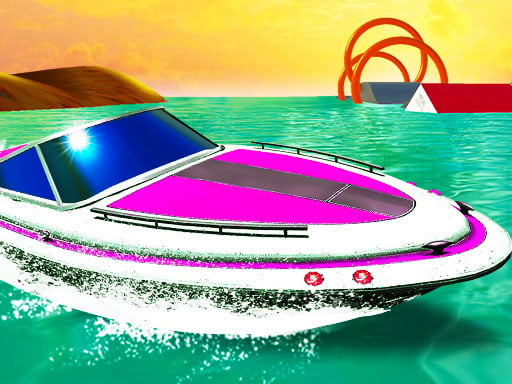
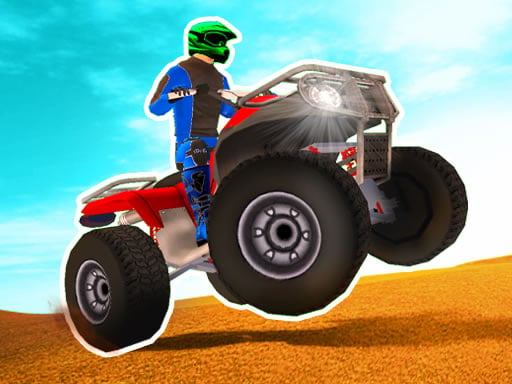
Collect diamonds in Free Style and inspect garage unlocks. Published items include bikes, costumes, ATV bikes, cross bikes and speed boats; requirements come from the game.
Keyboard controls
Desktop controls
- Riders player 1 drives with WASD; arrow keys are an alternative in one-player mode.
- For a shared-keyboard ride, player 2 steers with arrow keys; C and K change the players’ camera views.
- In this embedded Free Style build, player 1 uses Q to jump, Z for the parachute and R to restart. Tab and Enter switch the players’ vehicles; check the displayed hints for player 2’s extra actions.
- Shift or M operates NOS where the selected vehicle supports it; the published instructions exclude bikes.
Phone and tablet
- Bring a computer keyboard to Riders Downhill Racing. The provider marks this build as not mobile-ready, and riding plus vehicle utilities need distinct keys; no phone riding layout has been verified here.
Game features
Different reasons to ride
Finishing order, a timer and open exploration ask for different choices at the same turn or ramp.
A mixed garage
The garage’s mixed vehicle list offers more than one style of riding. Available actions can differ when you switch vehicles.
A local second rider
Separate local key groups let two riders practise routes together. The documented arrangement uses one shared computer.
Practical tips
- Look beyond a ramp to the landing direction before accelerating toward the current objective.
- Collect and inspect detours in Free Style rather than losing time on a Career route.
- Test a replacement vehicle’s steering and available actions in open terrain before tackling a narrow ramp.
- Give both local riders keyboard space and choose a camera that reveals the next route section.
Who might enjoy it
Players who want both racing and exploration
Race for a result in Racing or Career, then explore in Free Style when you want to inspect terrain and garage items.
Friends practising routes together
Local riders can compare their route choices and landings while practising beside each other on one device.
Goals, score and progress
Racing targets a first-place finish; Career targets completion before time expires. Free Style supports exploration and diamond collection for unlocks. Follow each mode’s result, timer and garage display rather than assuming all three share one universal score formula.
Game questions answered
What is the difference between Racing and Career?+
Racing asks you to finish first. Career requires reaching the end before time runs out. Both involve a course, but their completion goals differ.
Where should I collect diamonds?+
The published game places diamond collection in Free Style. Explore there for unlock progress rather than taking unnecessary collecting detours in a timed course.
Does every vehicle have nitro?+
No. Published instructions exclude bikes from NOS. Use Shift or M only when the current vehicle supports it, and check the controls after switching.
Can two riders use one computer?+
Yes. Player 1 rides with WASD while player 2 steers using arrow keys. The current embedded build shows Q, Z and R for player 1’s jump, parachute and restart. Extra player 2 bindings differ across published instructions, so read the current game hints.
Is Riders Downhill Racing a phone game here?+
Choose a computer keyboard. The provider marks Mobile Ready as No, and riding utilities use multiple keys. A touch riding layout has not been verified.
Sources for this guide
Guide checked:
Choose a route goal before setting off
Try one controlled course, then use Free Style to inspect a ramp or collect items without confusing the two objectives.
↑ Play Riders Downhill Racing